Kurso Application
The Kurso project is the result of an observation made by an entrepreneur client. He came up with the idea of an application that would allow users to shop more efficiently in stores, especially when they don't know the store layout. The goal was to produce the main screens as well as a detailed specification document for this application so that our client could raise funds from investors for the potential launch of this application.
Project
Exploration
Product
Mobile App
Duration
2 Weeks
Year
2022
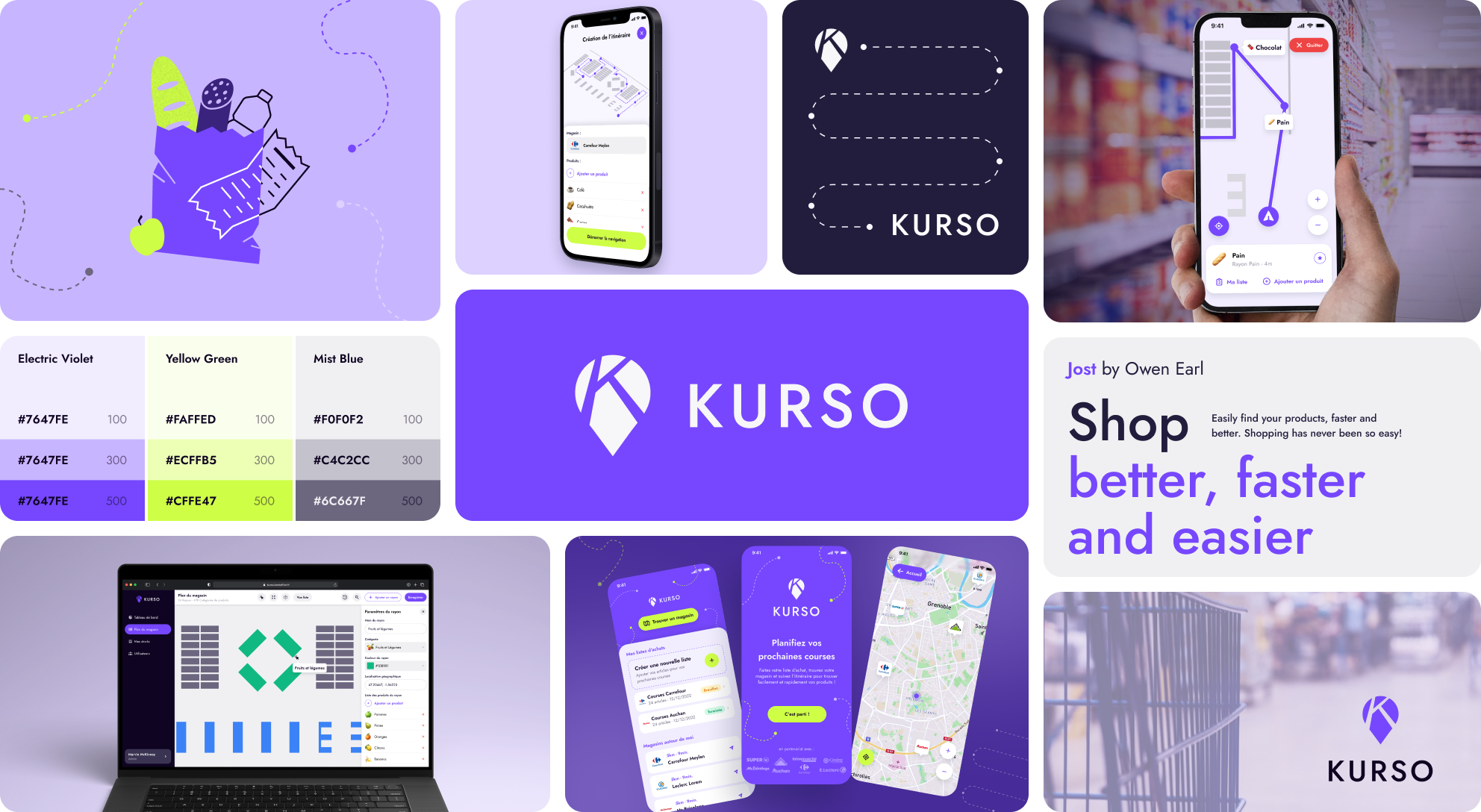
Problem Statement
It's sometimes difficult to navigate in a supermarket and/or find the products on our shopping list quickly and easily. Despite the Drive apps and associated services that may exist for a store, certain needs push us to physically go shopping, sometimes in a supermarket we don't know at all. Furthermore, our shopping journey is impacted when we're in a hurry and don't know the store.
The Promise
The imagined application would solve this problem. It would take care of the user's shopping journey from creating the shopping list to completing it in a store.
Use Case:
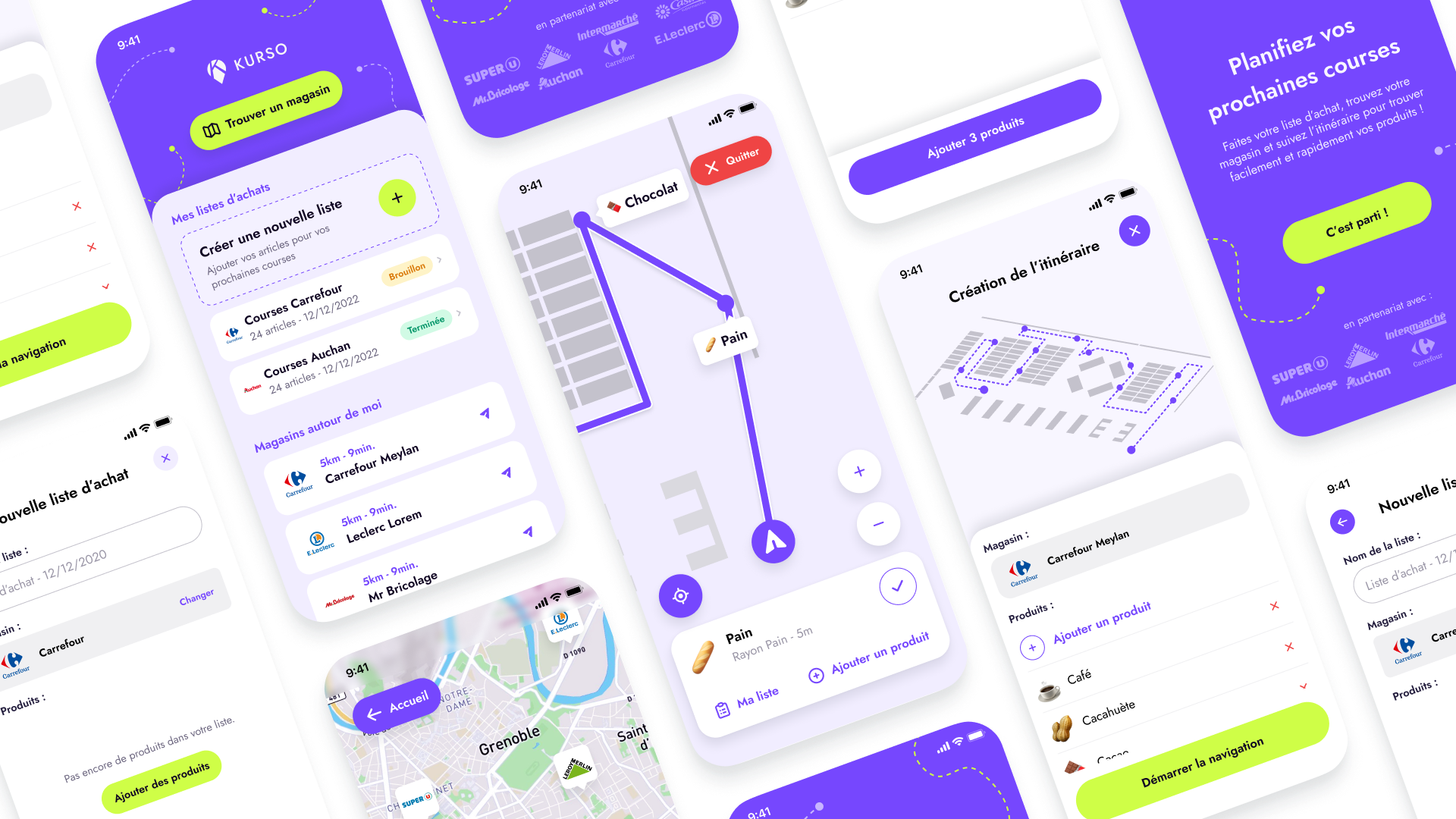
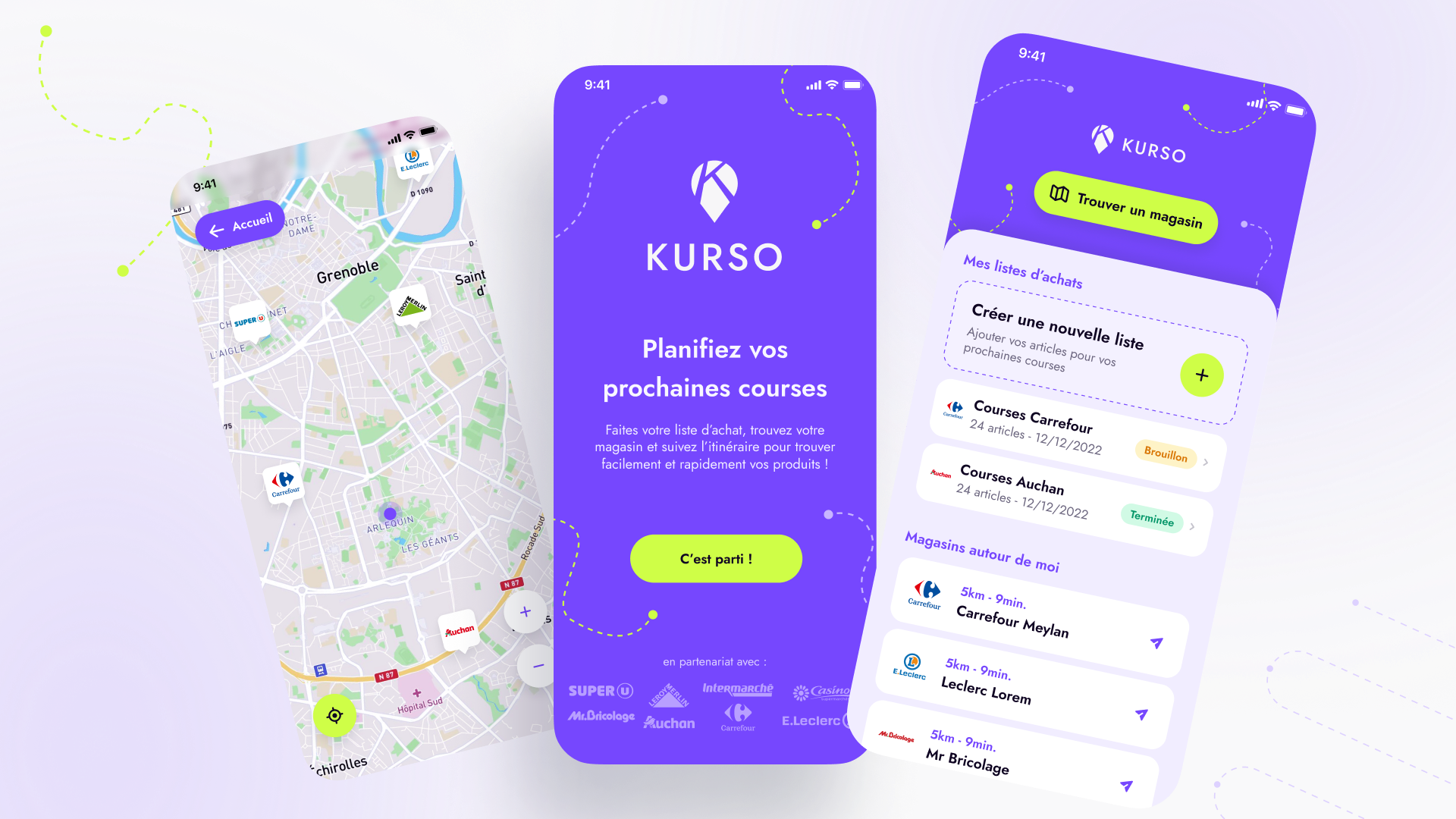
The user is currently on vacation far from home. They just arrived and need to do some grocery shopping for their week of vacation but doesn't know where to go and is quite rushed because they need to pick up the keys to their accommodation in 1 hour. They use the Kurso app to see the nearest supermarkets on the map. They see a Carrefour 5 minutes from their position. They decide to create a new shopping list for Carrefour by adding their products. Once they arrive at the Carrefour, it's quite large and the customer has no time to waste finding their products. They launch the in-store navigation. The app automatically traces their route, leading the user to get their products directly from the right aisles. They will check off their products once retrieved and go to the checkout to pay for their purchases. The app saved them significant time in their shopping journey and allowed the customer to be efficient in the store.
Project Process
The project's objective was to deliver structuring elements to estimate and cost the potential next phase: writing a complete specification document, prototyping reference screens (consumer and administrator), creating a presentation support (Pitch Deck). We structured the project around the Design Sprint format:
Empathy
Indirect competitive analysis on different key points: UI Design, UX design, proposed features, Data management, Indoor navigation.
Exploration / Definition
Exploration of different contexts and use cases in brainstorming format with a team of designers and the project's Lead Tech, Creation of user scenarios and flow definition, first feature tree.
Decisions
Feature listing prioritization and technical review: Backlog creation, feature prioritization (POC, MVP, V2), first technical review, userflow finalization.
Branding and Prototypes
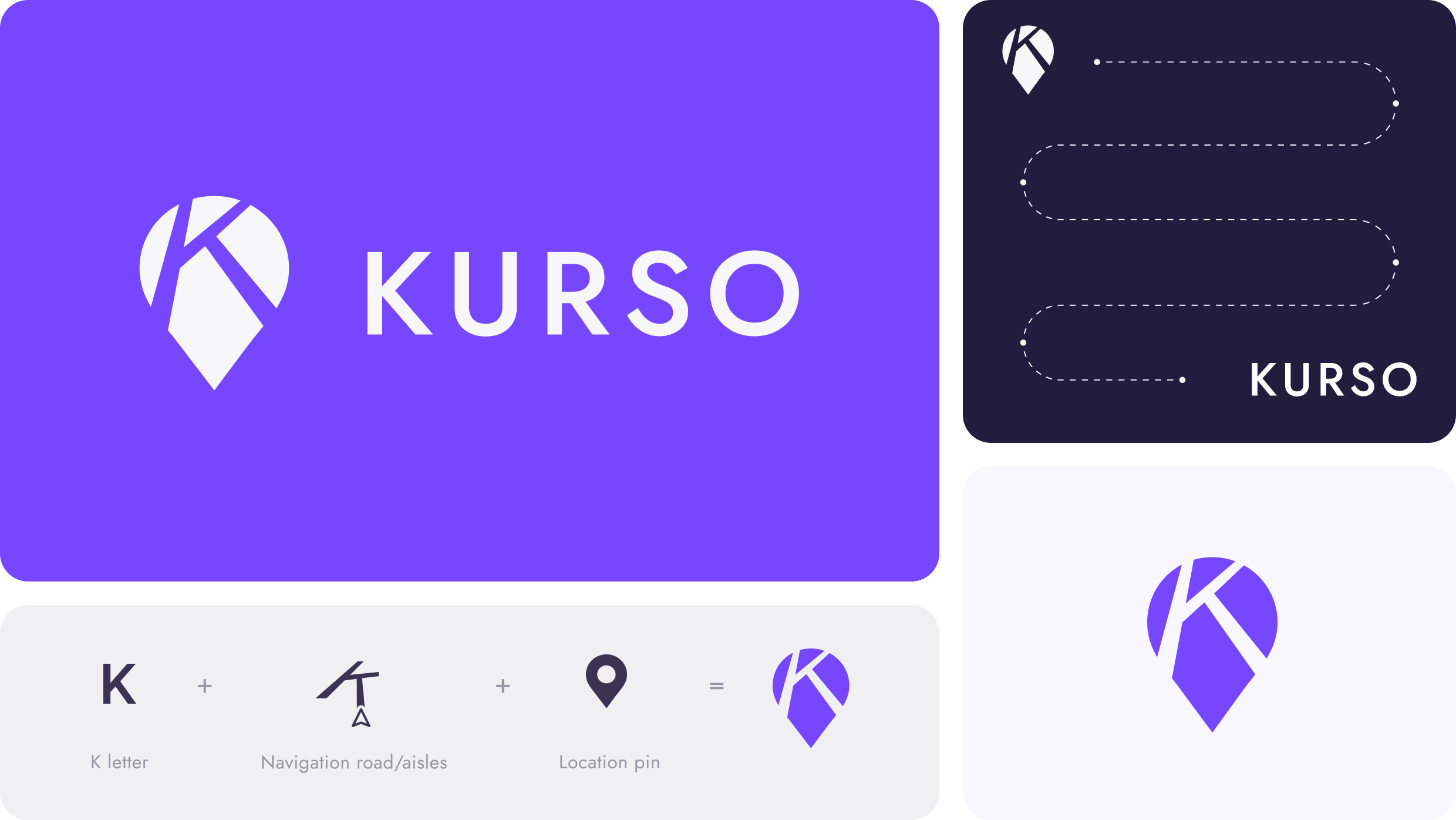
First branding explorations, application name research "Kurso", logo creation, reference screen prototyping.
Document Writing
Writing a specification document covering the project context, main features as well as recommendations and technical details provided by the Lead Tech, creation of the presentation support (Pitch deck) for the client.
Results 🚀
Kurso is the result of a market study and a need felt by many users that could have found its target. Unfortunately, the technical constraints and development costs don't justify implementing such an application with the partner supermarkets surveyed for this project.
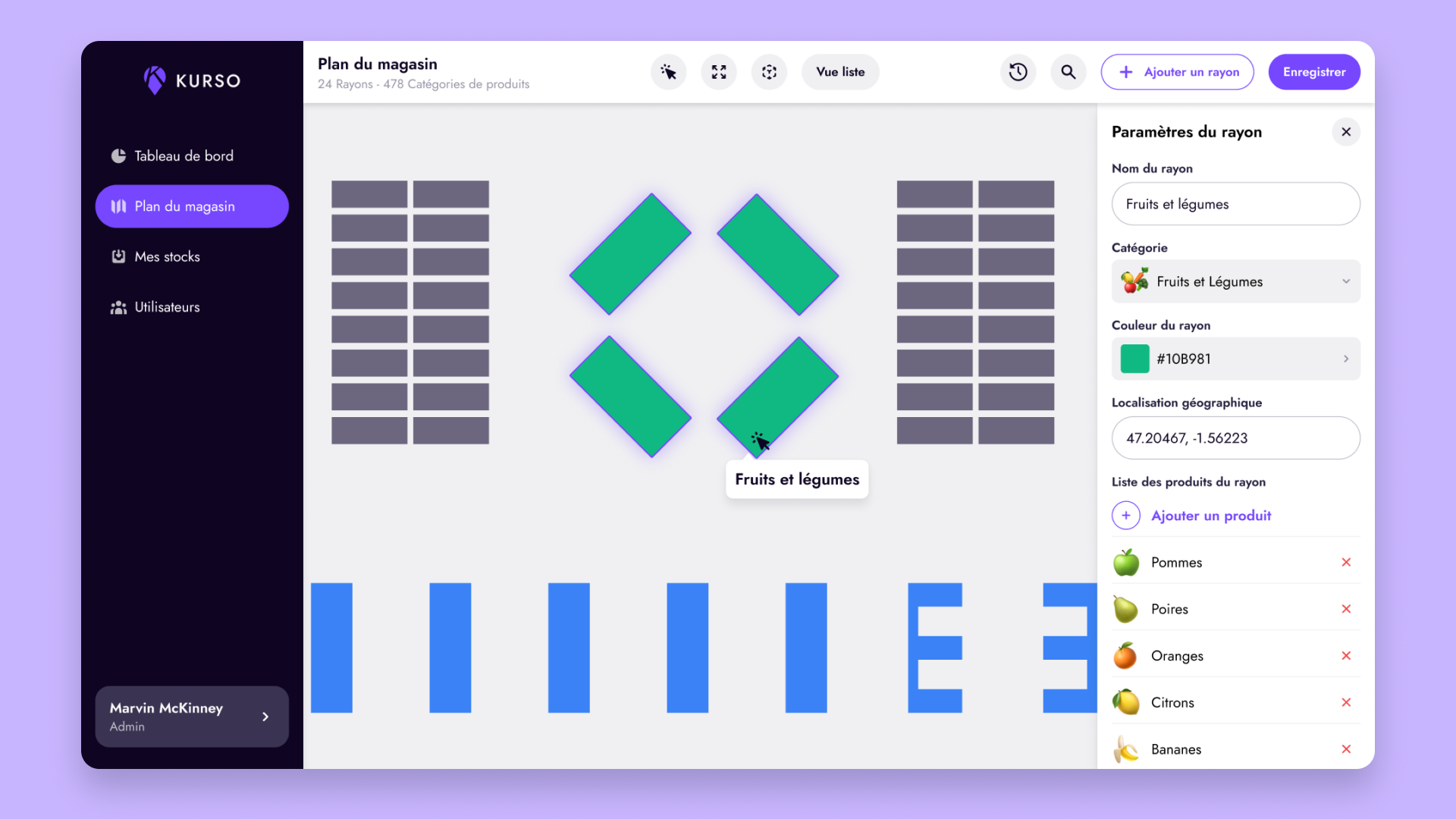
Here is the final result of the prototype designed in 3 days during the design sprint as well as an "admin" screen that the store could access to manage stock and product positions in the store:
Want to work together?
Feel free to reach out to discuss a project, collaboration, or just to say hello 👋